10 Best Dynamic Embed Tools for Websites in 2026
Dynamic embed tools let you add interactive features like forms, calculators, pricing tables, and real-time dashboards to your website without complex coding. These tools are now smarter, with AI-powered customization, real-time data updates, and integrations with platforms like Google Sheets, HubSpot, and Airtable. Here’s a quick overview of the top tools for 2026:
- EmbedSite: AI generates widgets from text prompts; supports live data sync and 18+ integrations.
- Embedly: Embeds rich media from 1,000+ providers; offers APIs for developers.
- Elfsight: No-code widgets for social feeds, reviews, and forms; integrates with Google Sheets and Calendars.
- iFrame Generator: Simplifies embedding URLs; supports live data updates.
- Datawrapper: Creates interactive charts and maps; syncs with Google Sheets and APIs.
- Looker Studio (formerly Google Data Studio): Embeds real-time visual dashboards.
- Outgrow: Builds interactive quizzes and calculators; focuses on lead generation.
- Ceros: Designs interactive experiences like infographics and microsites.
- ChartBlocks: User-friendly chart creation; links to spreadsheets for updates.
- Tableau Public: Free platform for embedding interactive visualizations.
These tools cater to businesses of all sizes, helping improve user engagement and website functionality. Below is a comparison table summarizing their key features.
Quick Comparison
| Tool | AI Features | Data Connections | Embed Types | Real-Time Updates | Pricing |
|---|---|---|---|---|---|
| EmbedSite | Yes (AI widget gen) | Google Sheets, APIs | Tables, maps, charts | Yes | From $3.50/mo |
| Embedly | Metadata extraction | URLs, APIs | Media cards, videos | Limited | From $14/mo |
| Elfsight | Widget suggestions | Google Sheets, Calendars | Reviews, social feeds | Yes | From $5/mo |
| iFrame Gen. | None | Any URL | Generic iFrames | Yes | Free |
| Datawrapper | None | Google Sheets, APIs | Charts, maps, tables | Manual refresh | Free/$599+ |
| Looker Studio | None | 800+ connectors | Dashboards, charts | Yes | Free |
| Outgrow | AI content ideas | CRMs, APIs | Quizzes, calculators | Yes | From $14/mo |
| Ceros | None | Manual uploads | Infographics, microsites | No | Custom pricing |
| ChartBlocks | None | Spreadsheets, databases | Charts, graphs | Manual refresh | Free/$9+ |
| Tableau Public | Ask Data (NLQ) | 100+ sources | Visualizations, dashboards | Yes | Free/$70+ |
These tools make it easy to add dynamic, interactive content to websites, improving functionality and user engagement. Choose based on your needs, budget, and technical expertise.
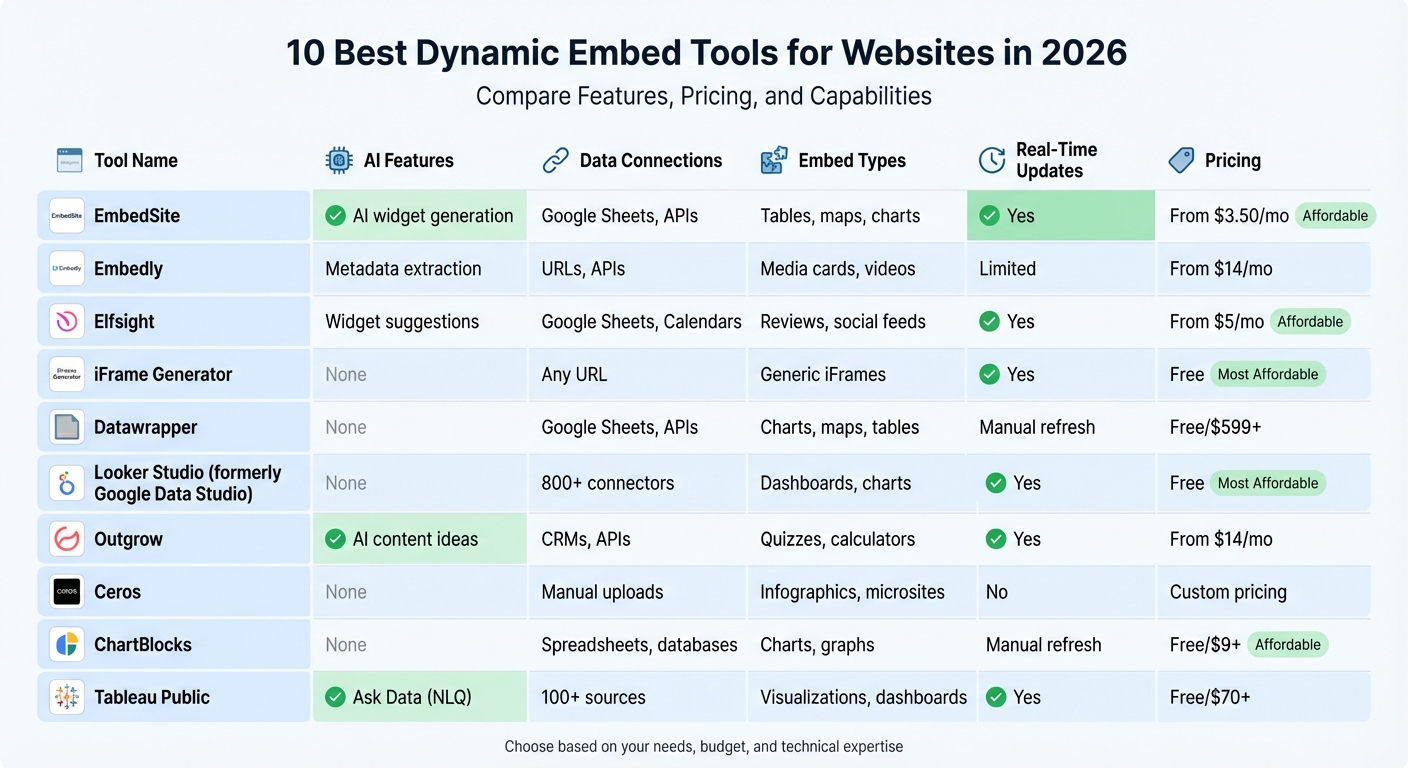
Comparison of Top 10 Dynamic Embed Tools for Websites 2026
Embed Lovable Components on ANY Website!
1. EmbedSite
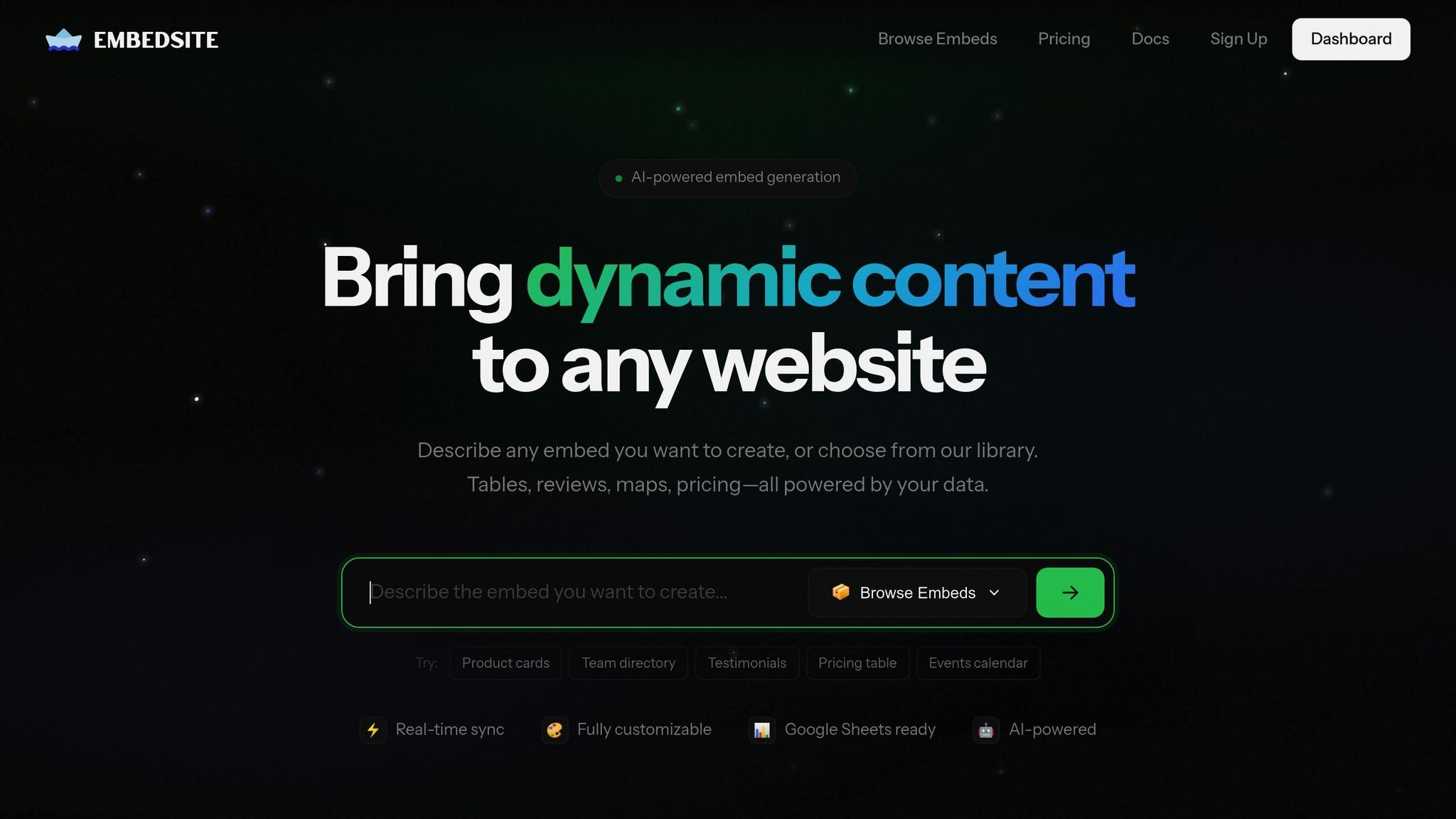
EmbedSite offers a unique feature called Custom AI Embed, which allows you to describe components in plain English and have them generated automatically. Need product cards, team directories, or property listings? Just provide a simple description, and the platform does the rest.
It seamlessly connects to tools like Google Sheets, Airtable, and Notion, transforming them into live backends for your website widgets. This integration ensures your data stays consistent and your designs remain cohesive across all embeds.
AI-Powered Embed Generation
EmbedSite’s AI can create interactive elements like searchable tables, maps, and data visualizations directly from your data. Want something more specific? You can request widgets tailored to your needs - roadmap timelines, course catalogs, or changelogs, for instance - and the AI will build them to your exact specifications.
Integration with Data Sources
The platform supports custom Webhooks, enabling connections to external APIs and automating workflows. With integrations spanning over 18 external services, including HubSpot, Klaviyo, Mailchimp, and AI models like Anthropic Claude, OpenAI GPT, and Google Gemini, EmbedSite opens the door to a wide array of interactive widget possibilities.
Supported Embed Types
EmbedSite covers a broad range of widget options, from searchable directories and job boards to pricing tables and event calendars. You can also create interactive calculators (like tip or BMI calculators), FAQ accordions, product cards, testimonials, and social feeds. These widgets are fully customizable to align with your website’s design. With over 500,000 businesses relying on the platform and more than 2 million widgets in action, it’s a trusted solution for many.
Real-Time Synchronization Capabilities
Once a widget is embedded, any updates made in your dashboard or connected data sources are instantly reflected on your live site - no coding required. This real-time synchronization ensures your site always displays the latest information, such as updated pricing, new team members, or upcoming events.
2. Embedly
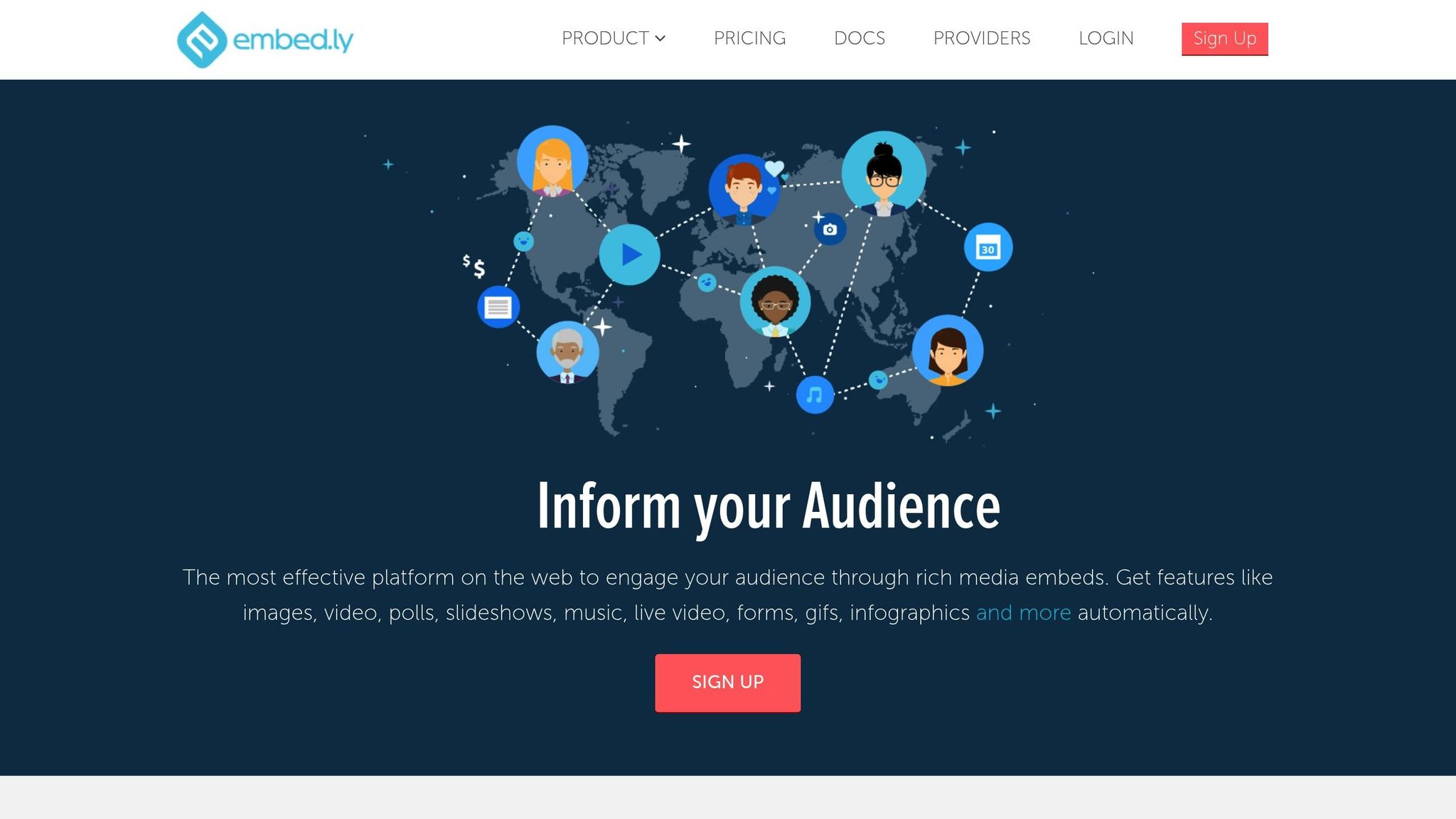
Embedly makes it easy to embed rich media from over 1,000 providers, including platforms like YouTube and Spotify, directly onto your website. It ensures that media displays perfectly across all devices.
Supported Embed Types
Embedly offers two primary ways to embed content. Cards provide a simple, no-code option for adding responsive media like images, articles, and videos to your site. For developers, Embedly offers three APIs:
- Embed API: For adding media content.
- Extract API: To pull text and images from articles.
- Display API: For cropping and resizing images.
The API plan includes 10,000 URL requests for Embed and Extract, 25,000 Display image requests, and supports up to 50 requests per second.
"Cards are the easiest way to embed any media to your site." - Embedly
This approach simplifies media integration and ensures compatibility across platforms.
Integration with Data Sources
Embedly retrieves live content from provider URLs and delivers it securely using HTTPS iFrames. The Extract API helps you grab text and images from articles, while the Display API optimizes images for faster loading on any device. Additionally, integration with Player.js lets you control video playback - play, pause, or stop - directly from your site.
The platform also tracks visitor engagement, providing insights into audience behavior. Pricing starts at $14 per month for the Cards plan, which includes access to 1,000+ providers and a JavaScript SDK. For more advanced needs, the API plan starts at $119 per month and includes a 30-day free trial.
3. Elfsight
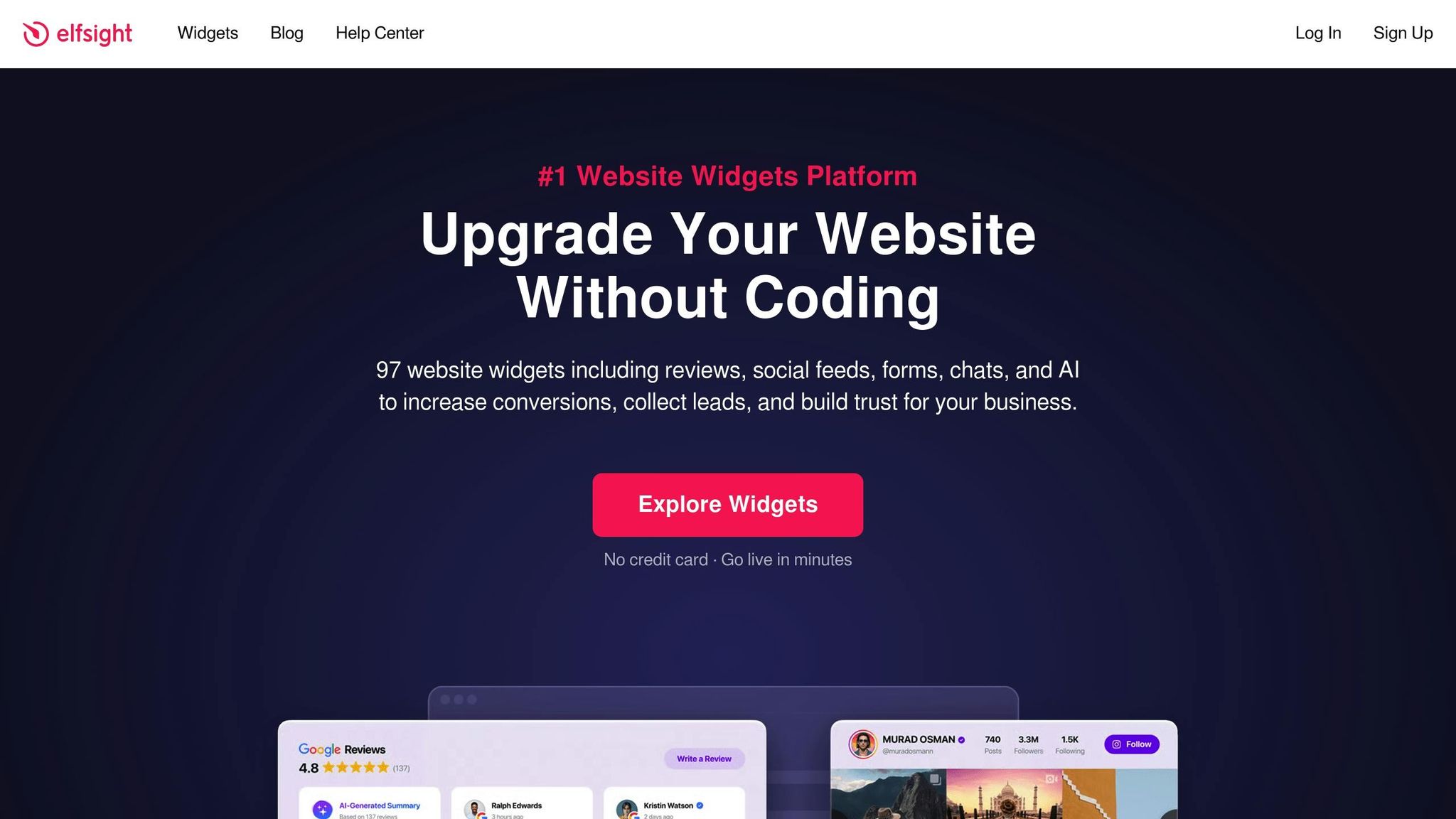
Elfsight showcases how AI-powered dynamic embeds can make websites more interactive without requiring complex coding. With 97 no-code widgets, it’s a go-to solution for over 3,000,000 small businesses and major brands worldwide. Whether it’s social feeds, reviews, e-commerce tools, or interactive calculators, Elfsight simplifies the process - no coding skills needed.
AI-Powered Embed Tools
Elfsight takes AI integration seriously. Its 24/7 AI Chatbot is there to assist visitors anytime. Need custom calculators? The platform’s AI-powered formula generator lets you create them effortlessly using over 115 templates. Plus, the Live Widget Editor gets a boost from ChatGPT, helping users customize and configure widgets with ease.
"The widget becomes a functional and user-centric asset that enhances the overall experience." - Kseniia Burmagina, Content Manager at Elfsight
These AI-driven tools integrate seamlessly into your workflows, making customization straightforward and efficient.
Integration with Data Sources
Elfsight makes data integration a breeze. Its File Embed widget connects directly to Google Sheets, creating a live link between your spreadsheet and website. Update your Google Sheet, and changes appear instantly on your site - no manual updates required. The platform also syncs with Google Calendar for event management, ensuring your calendar updates reflect automatically on your website. Developers looking for more control can leverage the Embed SDK and API endpoints to integrate with tools like Google Drive, Zapier, or social media platforms.
"Any changes made to the sheet are instantaneously reflected on your site, ensuring your content remains up-to-date without additional effort." - Ivan Timofeev, Content Manager at Elfsight
Wide Variety of Embed Options
Elfsight offers a robust selection of embed types to suit different needs. These include social feeds (Instagram, TikTok, LinkedIn), review aggregators (Google, Amazon, Yelp), e-commerce tools (like Pricing Tables and PayPal buttons), event calendars, real-time stock tickers, and file embeds (supporting formats like PDF, DOCX, XLSX, and PPTX). The platform is compatible with popular website builders such as WordPress, Shopify, Wix, Squarespace, and Webflow.
Pricing starts with a free plan, and premium plans are available with added features. Plus, you can save 50% on annual plans using the code PRODUCTHUNT.
4. iFrame Generator
Today’s iFrame generators have come a long way, now supporting over 1,900 publishers and making it easy to embed a variety of content like videos, audio, apps, maps, forms, documents, and even interactive quizzes. This wide range of options not only enhances your site’s functionality but also keeps it engaging by integrating with live data sources to ensure content stays up-to-date.
Customization Options
Modern iFrame generators make customization simple and flexible. Whether you’re embedding a map, a form, or a quiz, you can tweak the settings using API configurations, query-string parameters, or WYSIWYG editors. These tools let you control dimensions, styling, and behavior to ensure the embedded content blends seamlessly with your site’s design. Plus, they make it easy to align the visuals and functionality with your overall branding.
Connecting to Data Sources
These tools go beyond embedding static URLs - they can directly link to external data sources like Google Sheets and Airtable. All you need is a shared URL from your data source, and any updates made to that source will instantly appear in the embedded content on your site. This feature takes the hassle out of manual updates, ensuring your content always reflects the latest information.
Real-time Updates
One standout feature of modern iFrame generators is their ability to support real-time updates. By using hosted iFrames, these tools can refresh rich media and interactive content in the background. Unlike traditional API responses that might be cached for hours, hosted iFrames allow the service provider to manage updates independently of your site’s caching system. This ensures your embedded content remains fresh and relevant without requiring extra effort on your part.
5. Datawrapper
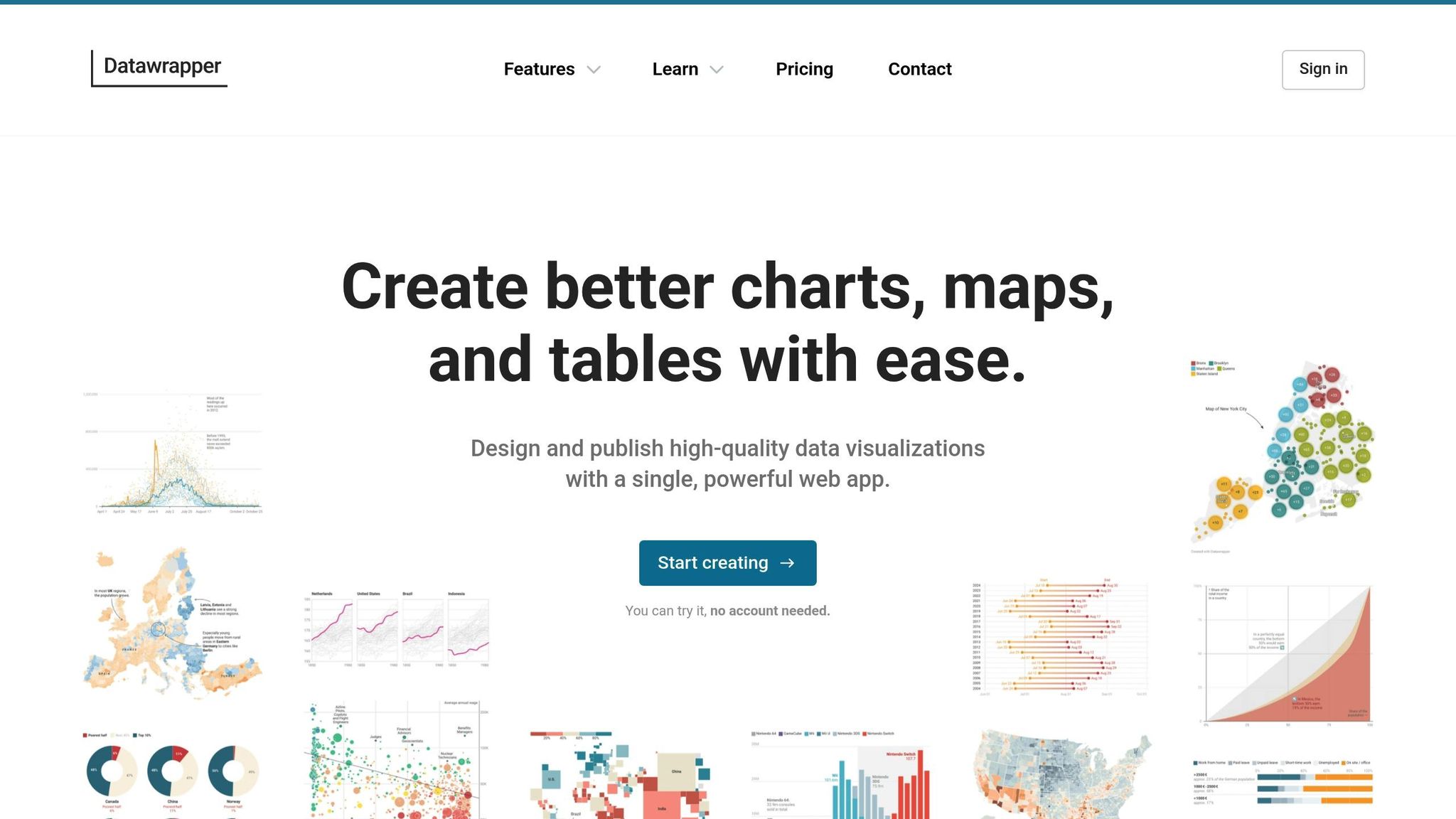
Datawrapper simplifies the creation of interactive visualizations, offering more than 25 chart types, tables, and maps that can update automatically using sources like Google Sheets, GitHub CSV files, and JSON APIs.
Integration with Data Sources
Getting started with Datawrapper is straightforward. Just paste your Google Sheet's shareable URL into the platform. For live updates, use the "Link External Dataset" option with the CSV export URL. To maintain privacy, share your sheet with "data@datawrapper.de". For advanced users, Datawrapper supports programmatic updates through its REST API, Python library, and R package, making it a go-to tool for automation enthusiasts.
Supported Embed Types
Datawrapper provides a wide array of visualization options, including over 20 chart types like line, bar, and scatter charts. It also offers enhanced tables with features like sparklines and heatmaps, and various map formats such as choropleth and symbol maps, complete with access to over 4,000 basemaps. These embeds are fully responsive and interactive, featuring hover tooltips, zoomable maps, and searchable, paginated tables. This variety, combined with robust update capabilities, ensures your visualizations remain dynamic and engaging.
Real-time Synchronization Capabilities
Keeping your visualizations up-to-date is seamless with Datawrapper. Choose between two synchronization methods:
- "Use Datawrapper server": This method caches data, refreshing every minute for the first 24 hours and hourly for the next 29 days.
-
"Serve data file directly": This option fetches fresh data from your server each time a page loads, provided your server supports CORS and HTTPS. As explained by Datawrapper Academy:
"Every time a user updates a website with your visualization, it will freshly get the data from the CSV".
For embedding, Datawrapper's Web Components script option is a game-changer. It reduces page Speed Index by 55%, network requests by 56%, and total page size by 46% compared to iframes. This efficiency makes it ideal for pages with multiple visualizations, enhancing both performance and user experience. With these features, Datawrapper proves to be an excellent tool for creating and maintaining interactive website content.
6. Google Data Studio Embeds
Google Data Studio, now known as Looker Studio, brings interactive data visualizations to your website through embedded reports. It connects directly to your data sources, pulling in real-time data using its direct query setup. Whether you're showcasing sales dashboards, performance metrics, or custom analytics, Looker Studio takes care of the heavy lifting by aggregating and visualizing your data. Let’s dive into how it connects to data sources, supports different embed types, and keeps your reports updated automatically.
Integration with Data Sources
Looker Studio integrates seamlessly with Google Sheets and allows for custom "Community Connectors" to fetch data from any API-accessible source. This means you can pull together data from multiple platforms without tedious manual transfers. If you're already using Google's ecosystem, the process is incredibly straightforward - just link your data source, and Looker Studio does the rest.
Supported Embed Types
Once your data is connected, Looker Studio offers a variety of embedding options. You can embed anything from single charts to full dashboards and interactive data exploration tools. The platform provides HTML iframe codes for quick embedding, oEmbed for platforms like Reddit and Medium, and the Looker Embed SDK for advanced integrations involving JavaScript events or Single Sign-On. Plus, embedded reports remain interactive, allowing users to filter data or adjust date ranges directly. For social media, Looker Studio uses the Open Graph Protocol to create interactive previews for platforms like Twitter, LinkedIn, and Slack.
Real-time Synchronization Capabilities
One of the standout features is its real-time data updates. Embedded reports automatically refresh based on the configured data freshness threshold, so you don’t have to worry about outdated information. As the documentation explains:
"Viewers can't manually refresh the data in an embedded report. (The data will refresh automatically when the data freshness threshold expires.)"
To ensure accuracy, administrators should set this threshold in the report settings before embedding. For those needing more control, the Looker Embed SDK offers advanced functionality, including JavaScript-based interactions and Signed SSO for secure access to private data.
sbb-itb-8b7ee75
7. Outgrow
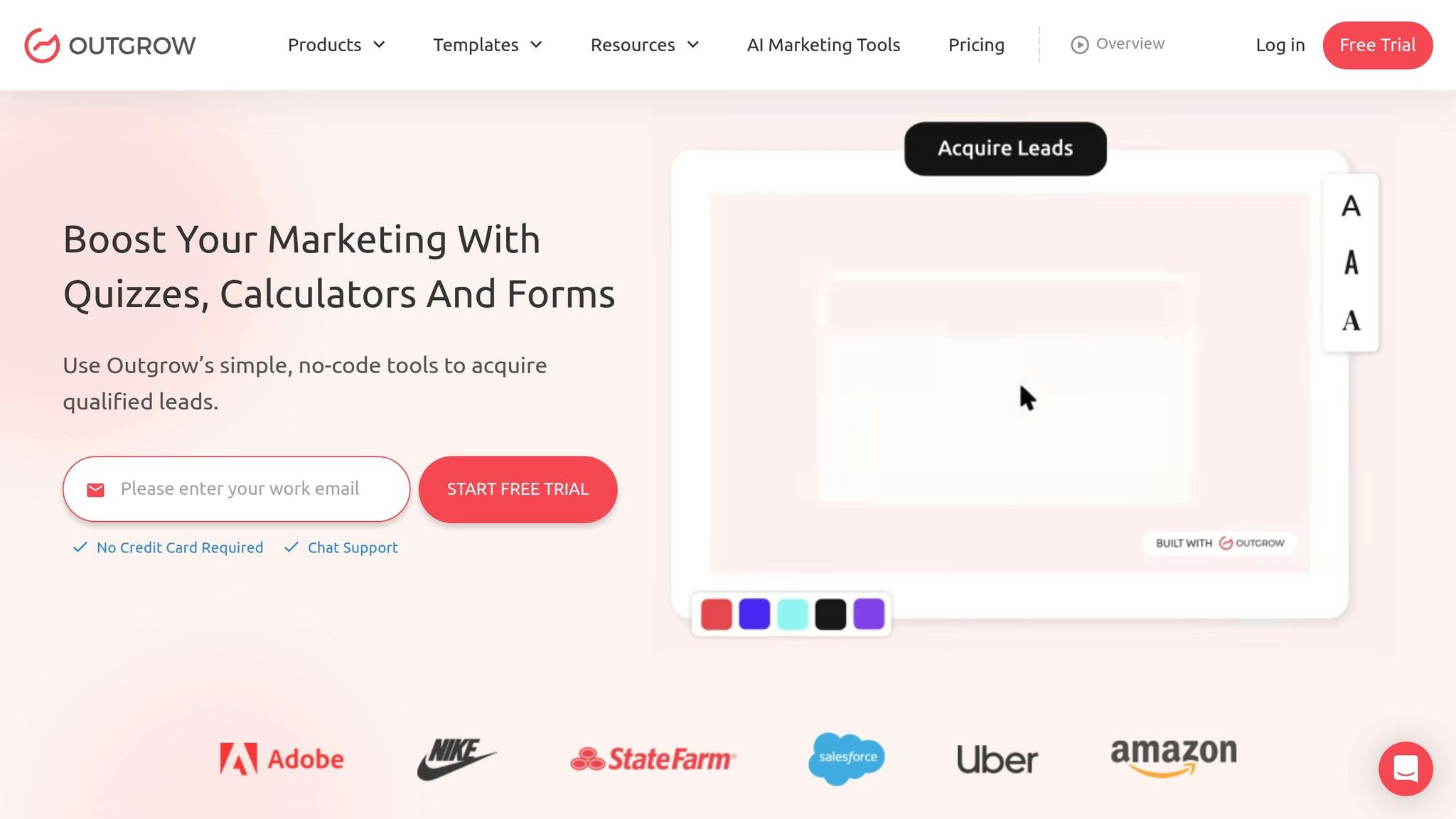
Outgrow specializes in creating interactive tools like calculators, quizzes, and assessments designed to turn visitors into leads. With its Smart Builder, you can create complex tools - like graded tests or calculators - in just minutes. What makes Outgrow stand out is its focus on driving conversions. For example, BEMO generated $4 million worth of prospects using an interactive calculator built on the platform. Similarly, VenturePact captured 87,381 qualified leads with an impressive 41% conversion rate.
AI-Powered Embed Creation
Outgrow leverages AI to make content creation easier and more effective. Its Idea Generator suggests interactive content ideas based on your industry and goals. The platform also includes an Article Recommendation Tool that dynamically offers related content to keep visitors engaged. Once you’ve chosen your content type, the Smart Builder provides templates and logic flows to speed up the creation process.
Seamless Integration with Data Sources
Outgrow connects with over 1,000 third-party tools, including popular platforms like Google Sheets, Salesforce, HubSpot, and Mailchimp. Its Call External API feature allows you to fetch real-time data using GET requests or send data via POST requests, which can then be embedded into questions, result pages, or downloadable PDF reports. For Google Sheets users, the platform offers a "Configure Visits Trigger" that ensures data is captured even if users leave mid-session, waiting up to 60 seconds per question. These integrations make it easy to deploy interactive content across various formats.
Versatile Embed Options
Outgrow supports over 10 different deployment formats, including full-page takeovers, in-page embeds, exit-intent popups, chat messengers, floating elements, greet bars, and custom iFrames [56, 58]. The platform also offers seven types of interactive content, such as numerical calculators, outcome quizzes, e-commerce recommendations, polls, chatbots, and surveys. To visualize data, Outgrow provides five chart types: line, pie, bar, table, and radar charts, which can update calculations instantly.
Real-Time Synchronization for Better Engagement
Outgrow’s real-time features ensure that charts and formulas update immediately based on user input. Instead of relying on static Excel uploads, you can sync data with JSON Feed URLs, keeping your interactive content linked to external databases. This functionality has proven effective - Golf Avenue generated over 82,000 leads from 248,000 visits, achieving a 33% conversion rate. Leonard Kim, a prominent marketing influencer, highlighted the platform’s personalization benefits:
"Outgrow performs better for us than blogs and ebooks because of the personalization it offers. It's not just about reading or watching content anymore, each prospect gets personalized and relevant information in real time".
8. Ceros
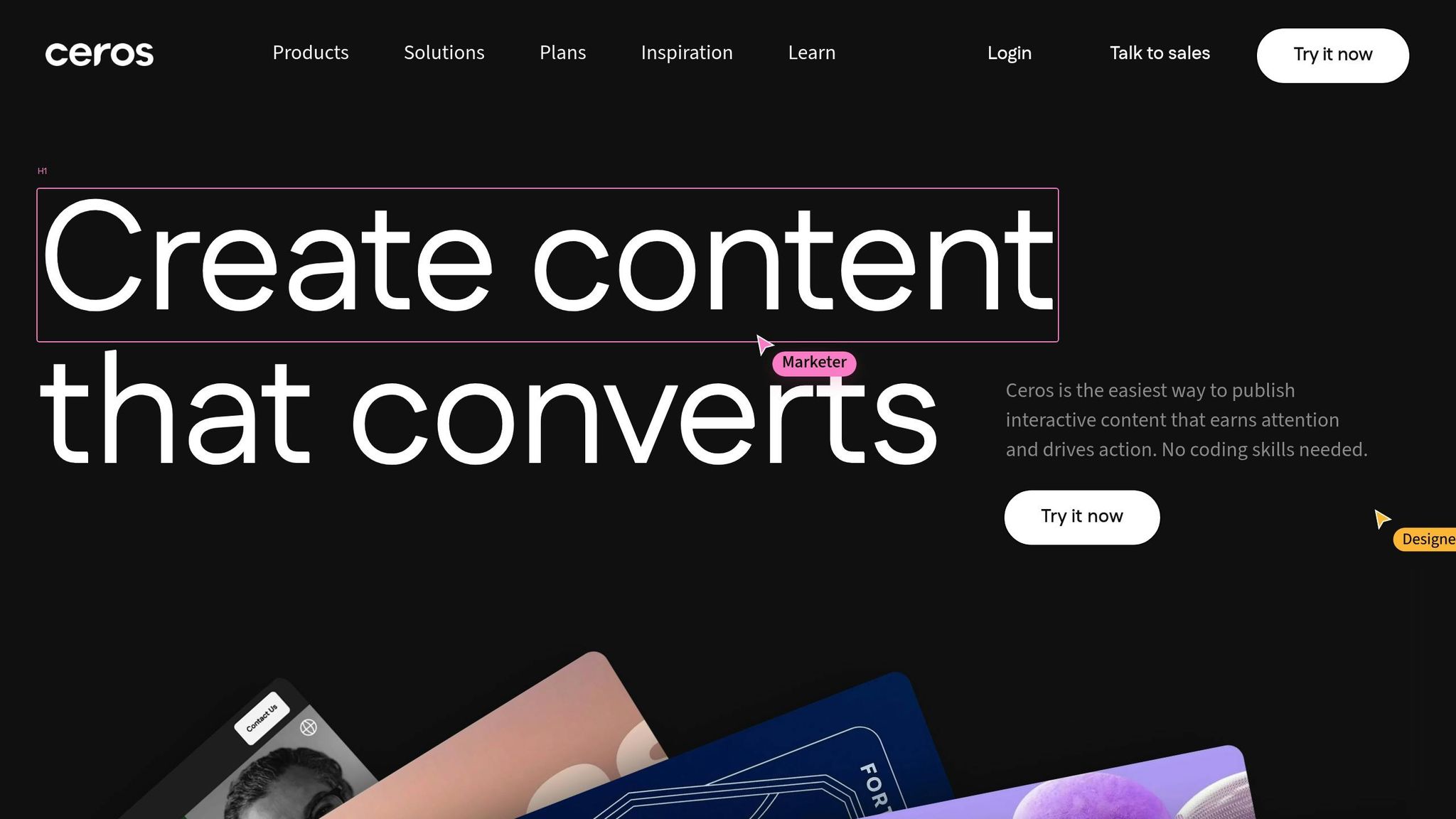
Ceros is a no-code platform designed to create engaging experiences like infographics, reports, and microsites - without needing a developer. Businesses have seen real results: Truv shortened deal cycles by 10–20%, and TheSkimm cut production time in half.
Supported Embed Types
Ceros makes it easy to incorporate various third-party content into your projects. You can embed videos (from YouTube, Wistia, or Vimeo), social media feeds (Instagram, Facebook, LinkedIn), surveys (Google Forms, HubSpot, Survey Monkey), maps, and data visualizations through Graphy. Additionally, it supports importing designs directly from tools like Figma or Illustrator. There are two embedding options: Full Height, which allows natural scrolling, and Scrolling, which displays content within the viewport.
Real-Time Synchronization Capabilities
One standout feature of Ceros is its ability to update content in real time. Thanks to the oEmbed protocol, your CMS automatically retrieves the latest embed code, eliminating the need for manual updates. Ron Dawson, Principal Brand & Concept Strategist at HubSpot for Startups, highlights this flexibility:
"If you can dream it - whether it's an animation or anything else - you can usually create it on the fly with Ceros".
Integration with Data Sources
Ceros also extends its capabilities with developer tools for advanced functionality. Using the Experience SDK, developers can connect external APIs and data sources to add custom logic and dynamic personalization. This opens the door to creating interactive components like calculators or quizzes, all powered by external data. For embedding third-party content in a Ceros Flex experience, percentage-based sizing is recommended to ensure your designs scale seamlessly on mobile and tablet devices. With its robust API integrations and adaptable tools, Ceros provides a dynamic solution for interactive content creation.
9. ChartBlocks
ChartBlocks makes it easy to create and embed data visualizations and charts with its user-friendly wizard interface that guides you through the entire process.
Integration with Data Sources
You can import data directly from external spreadsheets or input it manually in ChartBlocks. This flexibility allows you to either work with pre-existing datasets or build charts from scratch, making the process adaptable to your needs.
Supported Embed Types
Each chart you create in ChartBlocks comes with a unique Chart URL, so there’s no need for manual coding. If you’re using WordPress, the EmbedPress plugin can automatically convert this URL into fully functional embeds for editors like Gutenberg and Elementor.
Real-Time Synchronization Capabilities
ChartBlocks’ URL-based system ensures your charts stay up to date. Whenever you make changes to your data within the platform, those updates are instantly reflected in all embedded charts. This eliminates the need for manual updates and ensures your content remains accurate and current.
10. Tableau Public Embeds
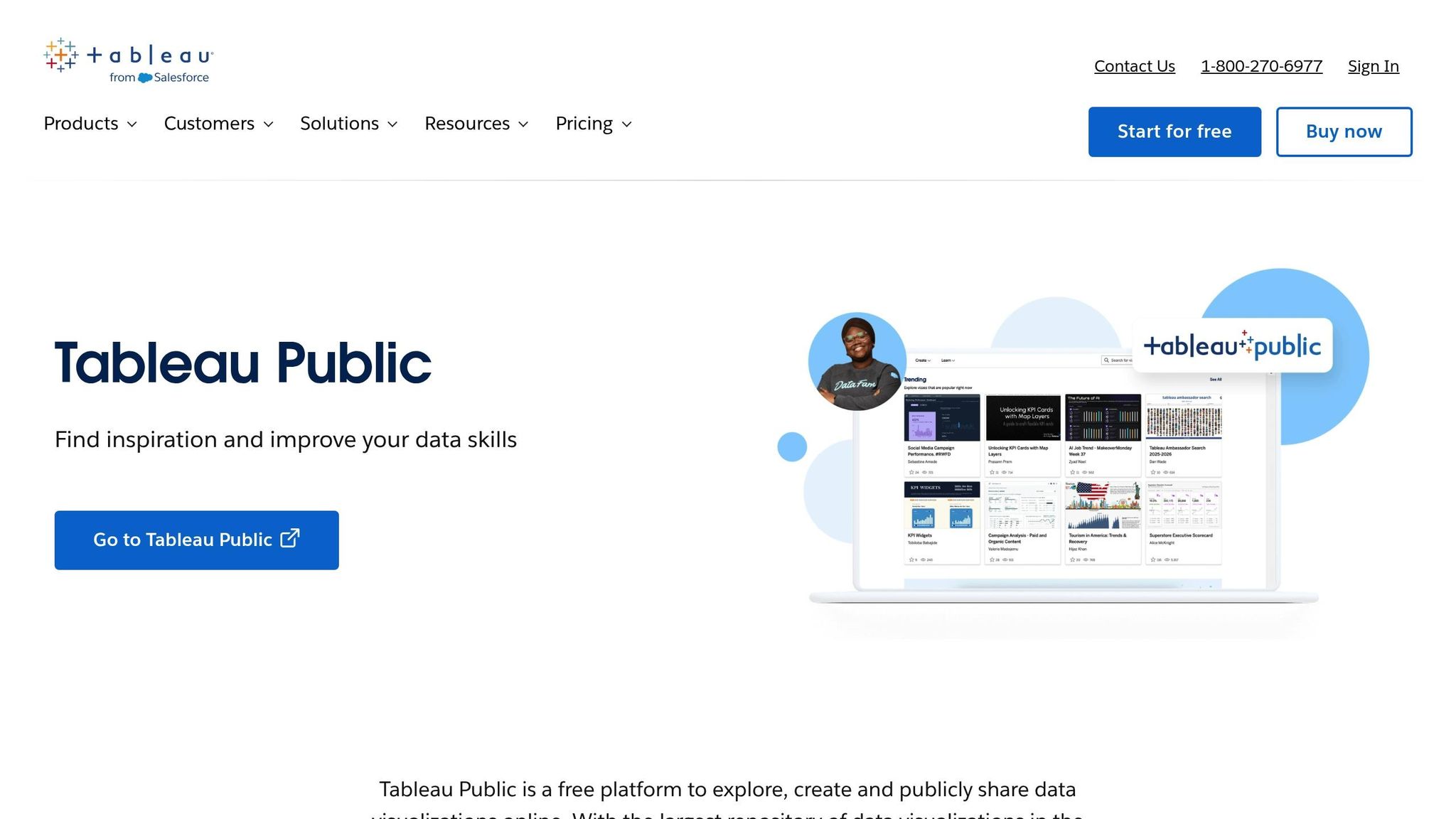
Tableau Public offers a free platform to design and embed interactive data visualizations directly into your website. From simple charts to detailed dashboards and multi-page stories, these visualizations can automatically update whenever the source data is modified.
Integration with Data Sources
Tableau Public connects seamlessly to Excel, CSV files, and Google Sheets, allowing you to create visualizations in its authoring environment before publishing them online. To ensure performance, it uses data extracts that require manual or scheduled refreshes. For more complex live database connections, you'll need Tableau Cloud or Server. However, for most basic use cases, the free Public version handles integrations effectively.
Supported Embed Types
You can embed individual visualizations, full dashboards, or even multi-page stories with Tableau Public. The Embedding API v3 introduces advanced features like Tableau Pulse and "Ask Data", enabling users to query data in natural language. Embedding is straightforward - either copy and paste the provided code or use the advanced <tableau-viz> web component for more customization.
"Embedding a view in your web page or application [is] easy to do, without a lot of JavaScript coding. You just link to the Embedding API library and then add a web component to your HTML code." - Tableau Help
These options make it simple to integrate visualizations into your website while keeping them interactive and dynamic.
Real-Time Synchronization Capabilities
Embedded Tableau visualizations automatically update whenever the underlying data or workbook is changed. This is managed by the Embedding API v3, which uses modern JavaScript to pull the latest version directly from the server. Users can interact with the content - applying filters or changing parameters - without needing to reload the page. Asynchronous methods like applyFilterAsync maintain a smooth, responsive experience. To ensure fast updates, optimize your workbooks by using data extracts, hiding unused fields, and limiting data points.
Feature Comparison Table
Choose the right dynamic embed tool by considering features like AI automation, real-time sync, and customization options. Below is a detailed comparison of tools, showcasing their capabilities, integrations, and pricing. For more details, refer to the individual sections on each tool.
| Tool | AI Features | Data Source Connections | Embed Types Supported | Real-Time Sync | Customization Level | Pricing |
|---|---|---|---|---|---|---|
| EmbedSite | AI-powered embed generation, design matching | Google Sheets, Airtable, CSV files, APIs | Tables, reviews, maps, pricing tables, calendars, charts, directories, job listings, blog feeds | Yes | Full code-level control, native styling | Basic, Pro, Enterprise (custom) |
| Embedly | Automated metadata extraction | URLs, social media, content APIs | Social media cards, video players, article previews | Limited | Moderate (CSS/theme options) | Free tier; paid plans from $9/month |
| Elfsight | Smart widget recommendations | Pre-built integrations (Instagram, Facebook, Google Reviews) | Social feeds, reviews, forms, chat widgets | Varies by widget | Medium (UI-based editor) | From $5/month per widget |
| iFrame Generator | None | Any URL-based source | Generic iFrames | No | Low (basic HTML attributes) | Free |
| Datawrapper | None | CSV, Excel, Google Sheets | Charts, maps, tables | Manual refresh only | Medium (visual editor) | Free; custom plans from $599/month |
| Google Data Studio Embeds | None (basic auto-insights) | 800+ connectors (Google Analytics, BigQuery, Sheets) | Dashboards, charts, scorecards | Yes (live query) | Medium (drag-and-drop) | Free |
| Outgrow | AI content suggestions | CRM integrations, webhooks, Zapier | Calculators, quizzes, polls, forms | Yes (via integrations) | High (conditional logic, branching) | From $14/month |
| Ceros | None | Manual content uploads | Interactive infographics, microsites, lookbooks | No | Very high (design-focused) | Custom pricing (enterprise) |
| ChartBlocks | None | CSV, Excel, Google Sheets, databases | Charts, graphs | Manual refresh | Medium (chart builder) | Free; Pro from $9/month |
| Tableau Public Embeds | Tableau Pulse (trend detection), Ask Data (NLQ) | 100+ sources (SQL, Oracle, BigQuery, Sheets) | Dashboards, visualizations, stories | Yes (live connections & extracts) | High (Embedding API v3, web components) | Free (Public); ~$70/user/month (paid) |
Pricing models differ across tools, ranging from flat-rate fees (e.g., EmbedSite, Elfsight) to per-user licenses (e.g., Tableau at ~$70/user/month). Many also offer enterprise-level options for advanced needs, ensuring flexibility for a variety of use cases.
Conclusion
Interactive embeds are changing how websites connect with their audiences. By transforming static pages into lively, interactive hubs, these tools offer features like real-time visuals, AI-driven customization, and easy-to-use widgets tailored to specific needs. For small businesses, starting is affordable - free tiers on our platform have already helped over 600,000 businesses create more than 2 million widgets, with entry-level plans starting at just $3.50 per month.
For those seeking personalized, brand-specific embeds, AI-powered platforms make it simple to craft unique widgets. All it takes is describing the desired functionality in plain English. As Jonathan Geiger puts it, these tools are "purpose-built for one thing: creating smart, interactive widgets that work on any website". This approach saves time, keeps design control in-house, and removes the need for additional developers.
Businesses that need advanced features like real-time dashboards or in-depth analytics can benefit from live data synchronization and custom integrations. Enterprise users gain even more with options like tailored solutions, priority support, and scalable pricing to meet growing demands.
The key is to align the tool with your workflow. Start small to test features, ensure mobile responsiveness, and verify smooth integration with your existing systems. Interactive content not only enhances user engagement but also improves metrics like dwell time - factors that are crucial for search engine rankings.
Use these insights to choose the right solution for your website's needs and future goals.
FAQs
What are the main advantages of using dynamic embed tools on websites?
Dynamic embed tools bring a range of benefits to websites. They enable the creation of interactive, customizable elements like product cards, pricing tables, and event calendars that fit seamlessly into your site. These features enhance user engagement by offering a more hands-on experience, which can translate to higher conversions and greater satisfaction for visitors.
One standout benefit is their simplicity. Many of these tools are designed as no-code or AI-powered solutions, making them accessible even for those without technical skills. This empowers marketers and content creators to build, update, and manage embeds on their own - no developer required. Plus, these tools often support dynamic updates from sources like Google Sheets or APIs, ensuring your content remains accurate and current. In short, they make website customization easier while improving functionality and delivering a better experience for users.
How does AI improve the functionality of dynamic embed tools?
AI is transforming embed tools into smarter, more user-friendly, and customizable solutions. By analyzing your website’s design, AI can recommend widgets or layouts that seamlessly match your brand, streamlining the embedding process and saving valuable time.
It also enables the creation of interactive features like calculators, quizzes, and comparison tables - all without needing coding skills. These elements can adapt to user behavior, delivering personalized experiences that drive engagement and conversions. On top of that, AI-powered real-time analytics let you monitor performance and fine-tune your embeds for improved results. In short, AI takes embedding tools to the next level, making website customization easier and more effective.
What types of data sources can these dynamic embed tools connect to?
These tools allow you to connect with a wide range of data sources, making it simple to add interactive, real-time content to your site. They integrate with marketing platforms such as Mailchimp, HubSpot, and Klaviyo, as well as databases and storage solutions, helping you manage submissions and queries efficiently.
On top of that, they work with APIs and webhooks, making automation and dynamic updates a breeze. Want to embed analytics, maps, charts, or event calendars? These tools can pull data directly from third-party services or internal systems, keeping your website current and engaging for visitors.